Web edition: online matches
Compete against other players in real time and adapt to strategies that only a human opponent would attempt.
ORIGINAL BROWSER GAME
Gomoku × special abilities — a board game of hidden moves, deduction, and reversals
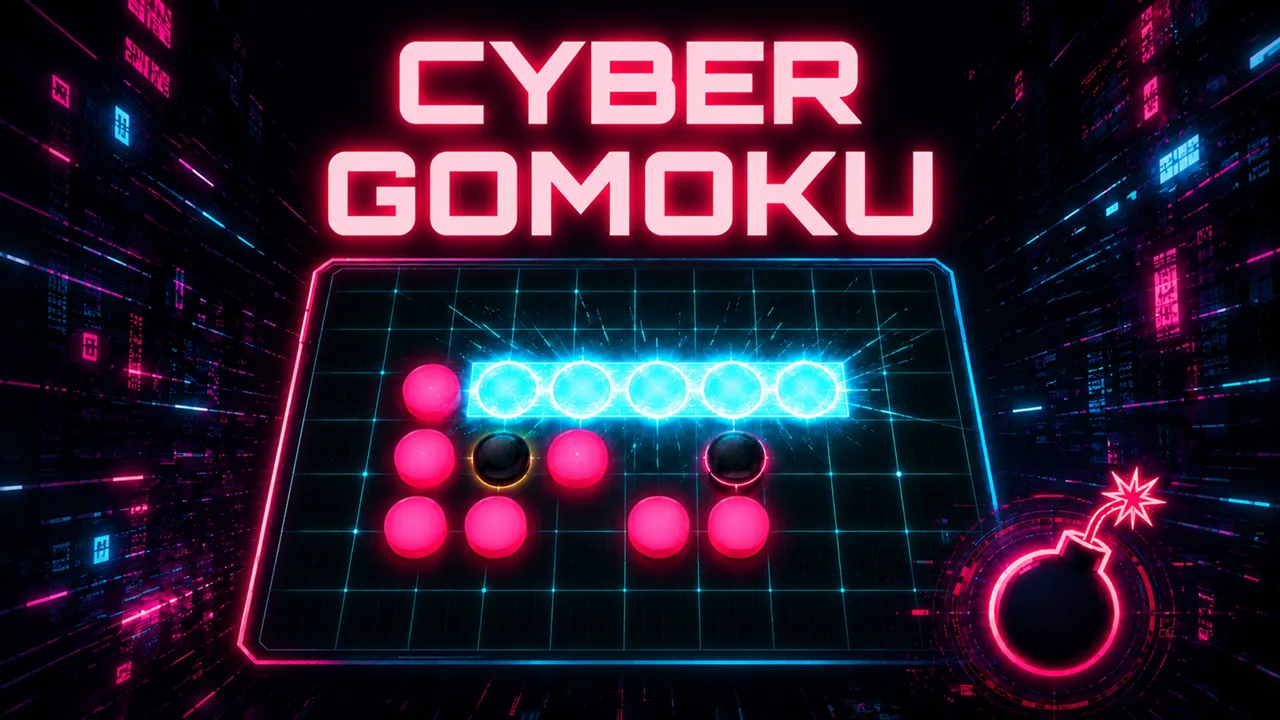
The familiar goal remains unchanged: place five of your stones in a vertical, horizontal, or diagonal line. This original browser game adds three abilities—Stealth Stone, Stone Bomb, and Stone Radar—to that simple foundation.
Standard Gomoku is a perfect-information game: both players can see the entire board. Cyber Gomoku introduces hidden stones and bombs that can change existing formations. Players must therefore read the opponent's intentions and account for intersections whose true state is unknown. The result is a form of deduction that only a digital board can provide.
No installation required. Works in desktop and mobile browsers.
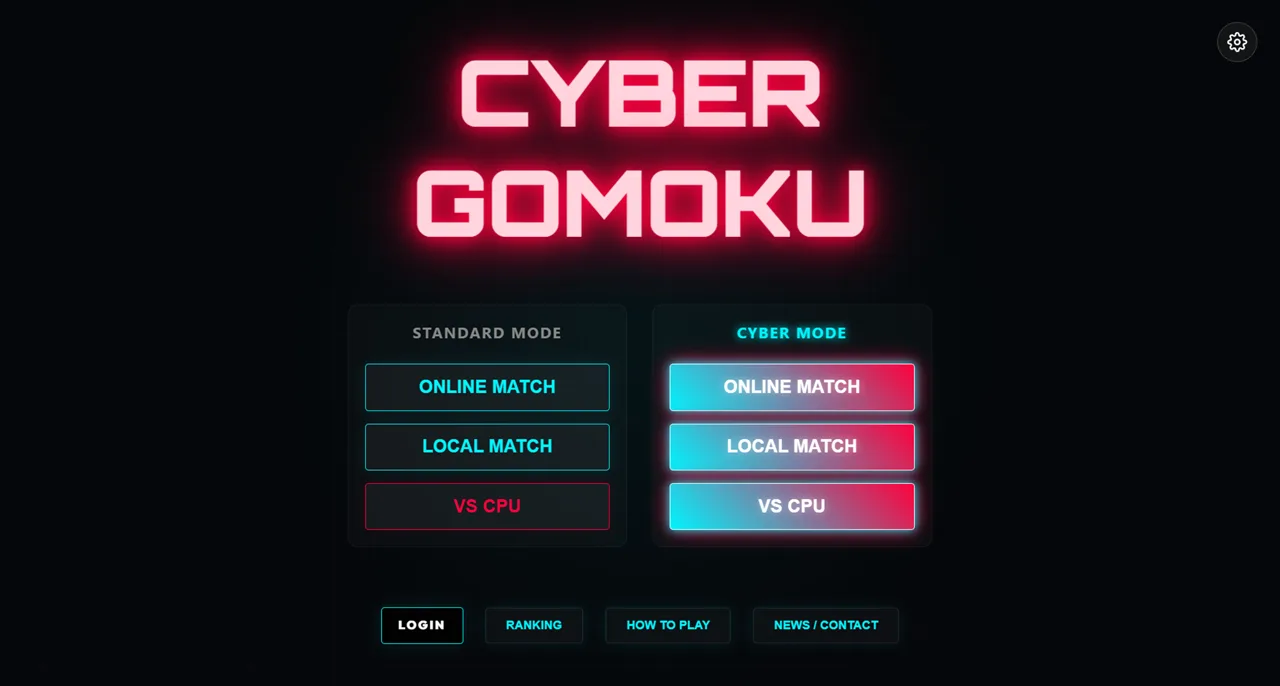
Cyber Gomoku is available as an official web edition and a GamePix edition. Both use the same core abilities, but their game modes differ.
Compete against other players in real time and adapt to strategies that only a human opponent would attempt.
Play Tournament or tackle a new bomb-filled board each day in Daily Danger Challenge.
The GamePix button opens an external gaming platform in a new tab.
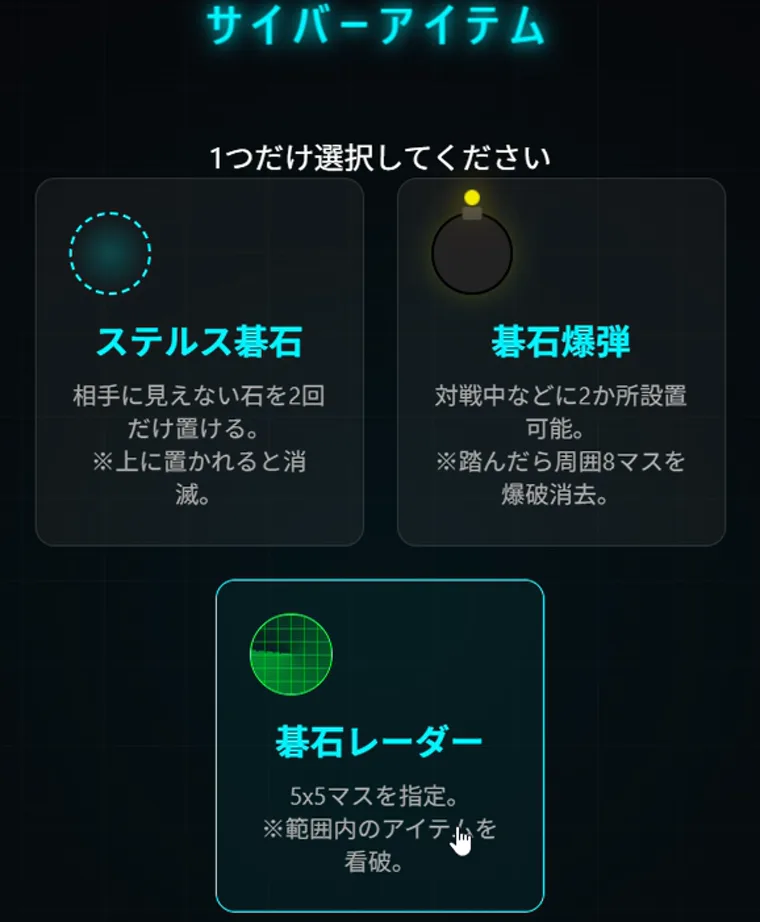
Abilities are powerful but do not guarantee a win. Each one changes the information available to the opponent or carries an opportunity cost compared with placing a normal stone. Even holding an unused ability can create pressure because the opponent must plan around what might happen.

Place a stone that does not appear on the opponent's screen. A seemingly empty intersection may be part of a hidden attack.

Plant a trap that destroys nearby stones on both sides when triggered. Break an opponent's formation while preserving a path to your next attack.
Scan a selected area for hidden stones and bombs. Use the result to defend an uncertain position or attack with greater confidence.
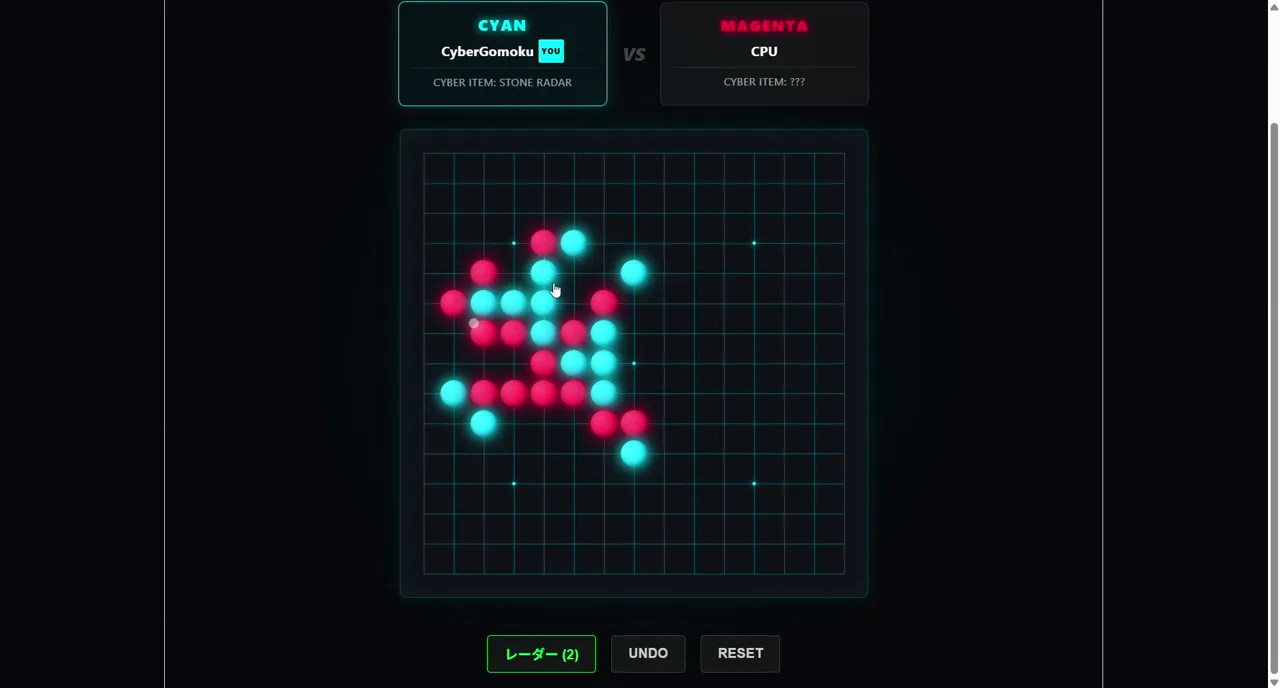
Cyan and magenta stones stand out against the dark board, making each side easy to identify. During a match, you choose when to use the selected ability as well as where to place normal stones. Despite the visual effects, victory still depends on completing a line of five.

The rules and abilities guide covers win conditions, forbidden moves, and exact ability behavior. The beginner strategy guide explains opening priorities and practical ability use. You do not need to memorize everything first; a CPU match is a good place to test how each ability changes the board.
You can play for free. No app installation required. Guest play is also supported.
Yes. The basic goal is simply to line up five stones vertically, horizontally, or diagonally. A CPU match is a low-pressure way to learn the controls.
Yes. CPU matches let you practice abilities and board reading without waiting for an online opponent.
See the strategy guide, update history, and development articles.
The web version supports online battles. In the GamePix version, you can play Tournament and Daily Danger Challenge, which has many pre-placed bombs.