GAME GUIDE
Entertainment Look: roles, timing, and focus
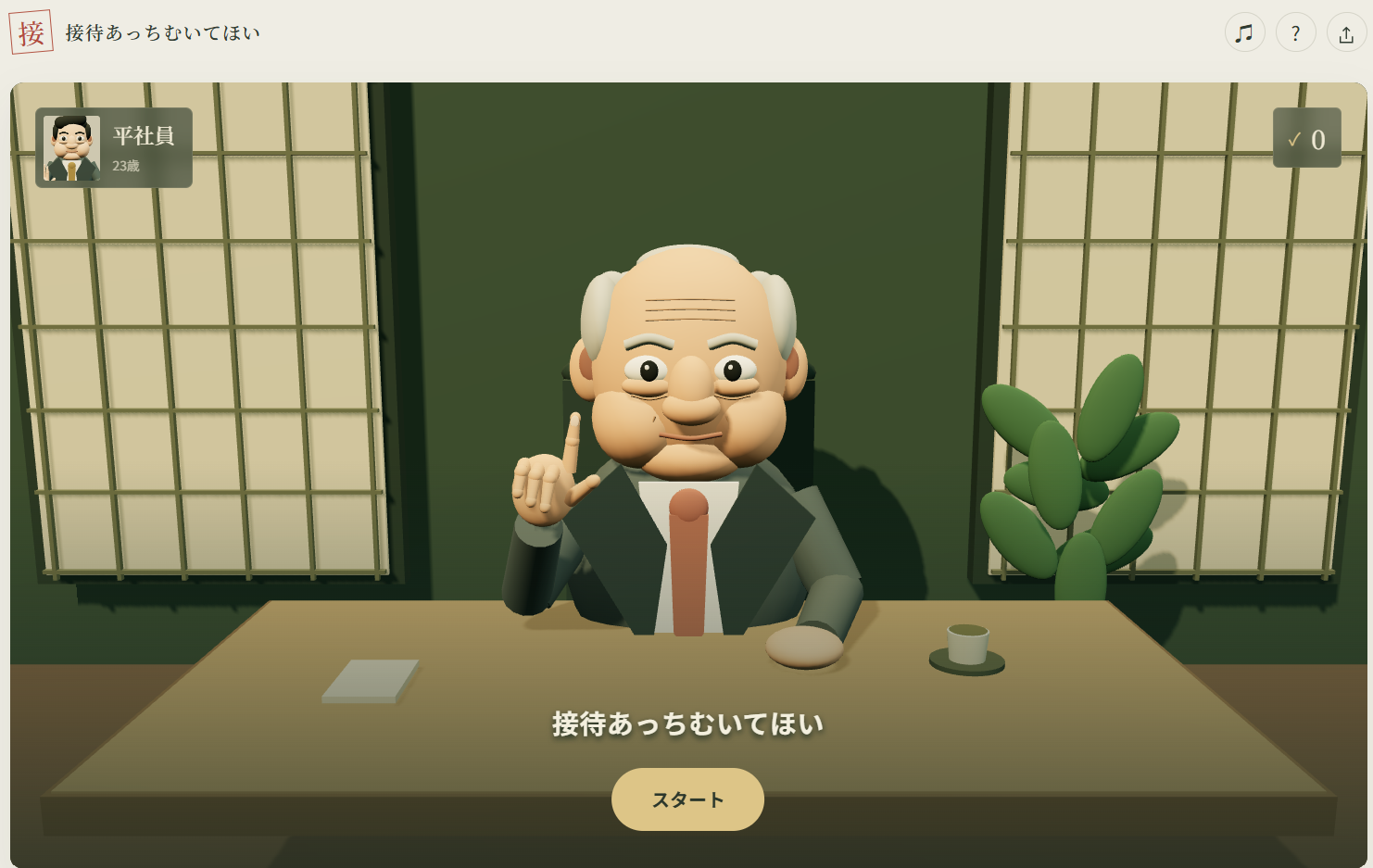
A rock–paper–scissors win does not end the challenge
The result to avoid is winning the pointing game yourself. Rock–paper–scissors assigns roles: losing makes you turn, winning makes you point, and a tie repeats that step.
If the boss points right while you are turning, choose right to lose. If the boss turns right while you are pointing, choose another direction so you do not win. Confirm your role before trying to react faster.
Learn the direction before refining the timing
Select hands with the buttons or 1/2/3, and directions with the buttons, arrow keys, or WASD. Watch the first two beats as preparation, then press once at the final motion.
Bosses do not all use the same rhythm. Read the observation memo and watch their wrist, eyes, fingers, or face. Repeating a fixed beat without looking can turn a previously successful input into an early or late response.
Use the feedback to choose your next practice goal
- Too early: check whether you pressed during a preparatory motion.
- Too late: reduce the hesitation after identifying the motion.
- A direction mismatch: distinguish continuation from a lost life.
- You won: check whether you confused pointing with turning.
No input, early input, and late input each cost a life. There are three lives per bout. Not every continued round means your reaction speed was wrong.
Use focus near the final beat
The focus button, F, or Space slows the action for 2.2 seconds. There are three uses per bout. Try activating near the end of the second preparatory beat: activating too early may waste it before the reveal.
It gives you more time to read the animation rather than displaying the answer. A tie or a lost life does not restore a use.
Promotions preserve earlier progress
The player remains 23 as promotions change the opponents and challenge. Failure does not remove the saved promotion progress. Starting another bout restores the lives. Opening the help guide or leaving the tab pauses the action; use resume to continue.